
Product images for e-commerce
Create consistent product images where the subject is the focus. This helps category pages, product cards and ads feel more unified.

AI Image Background Removal
Need to remove an image background, clean up product photos or prepare transparent assets? This page gives you a practical AI workflow and a quality checklist.
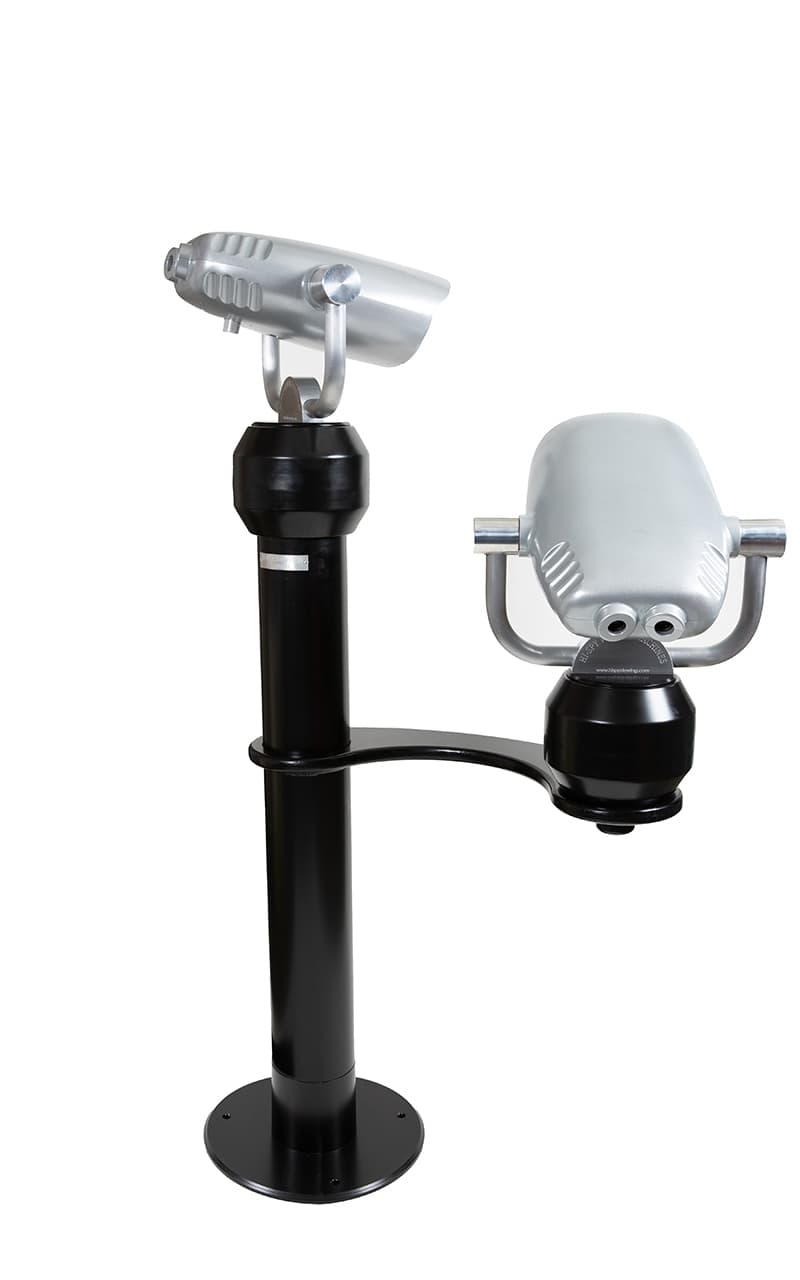
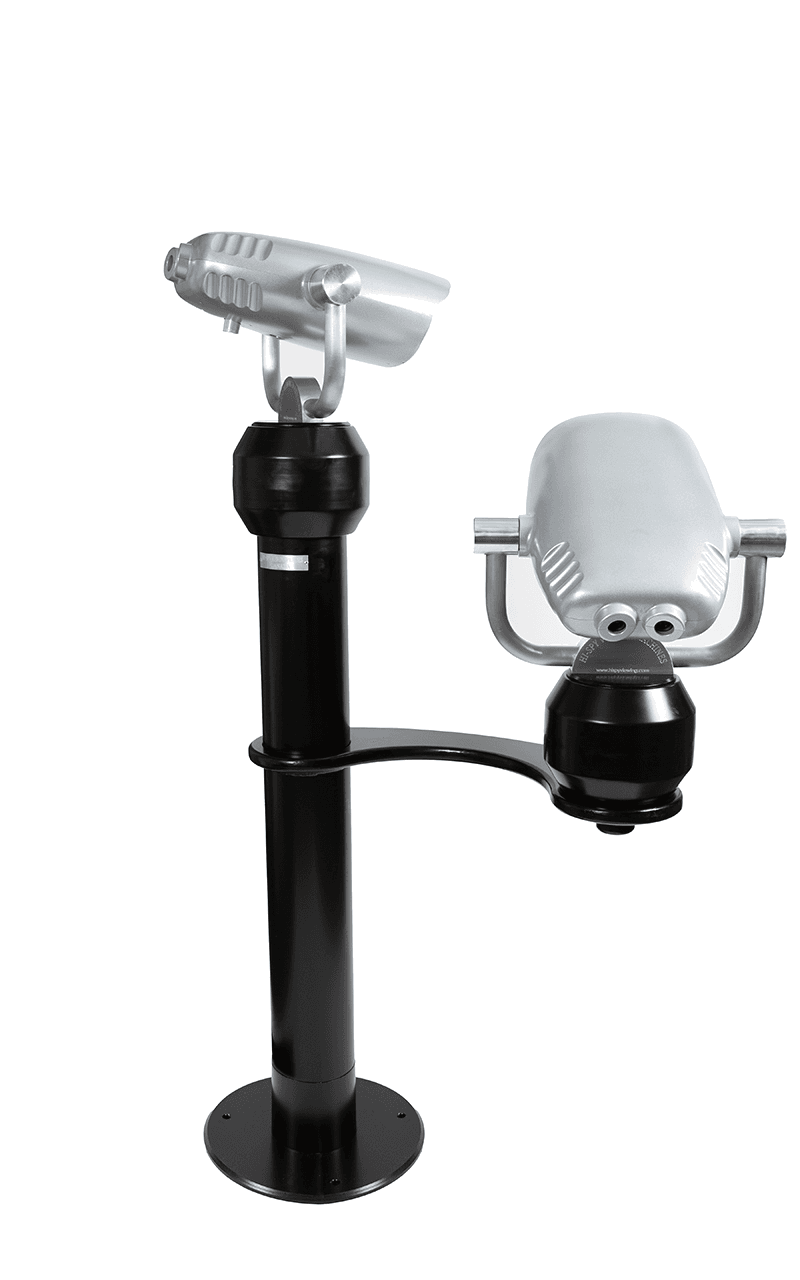
The goal is simple: keep the subject sharp, remove the background without hard edges and export the image for landing pages, product cards and ads.
Preview
Original
Upload an image to preview it here.
Edited
The edited image appears here after generation.
How it works
A good result is not only about erasing the background. The image needs to look natural, load quickly and use the right format for its destination.
Choose a JPG, PNG or WebP with a clear subject. Better contrast between subject and background usually creates cleaner edges.
The AI model identifies the person, product or object and separates it from the background. Check hair, glass, shadows and thin details carefully.
Fine-tuning is often what separates an acceptable result from an image that feels professional.
Use transparent PNG when the image sits on colored surfaces. Use WebP or compressed JPG when file size and Core Web Vitals matter most.
Common use cases
Background removal is most valuable when an image needs to work across several channels without looking cut out, heavy or unclear.
Create consistent product images where the subject is the focus. This helps category pages, product cards and ads feel more unified.
Remove the background and place the subject on campaign colors or formats for reels, stories and posts without reshooting.
Cleaner subjects make it easier to test headlines, colors and offers without the background distracting from the message.
Salons, restaurants, clinics and shops can make staff photos, menus and offers more consistent.
Publishing workflow
When the background is removed, an image is often easier to crop, compress and reuse consistently across pages. That can improve visual clarity, click intent and the mobile experience.
Use clear file names, useful alt text, surrounding copy and stable dimensions so the image is easy to understand and fast to load.
FAQ
Short answers for anyone comparing AI tools, free options and cleaner image workflows.
Yes, free tools can work well for single images. For large product catalogs or strict quality requirements, a more controlled workflow is usually better.
Quality depends on the original image, contrast and edge refinement. Always check hair, shadows, glass, jewelry and thin product details before publishing.
Use PNG when you need transparency. Use WebP or JPG when the image should load quickly and transparency is not required.
Yes, many AI workflows can handle image batches. For e-commerce, set rules for format, dimensions, compression and quality control so the catalog stays consistent.
Nordedge helps companies combine AI image handling, web development and performance-focused publishing so visual assets look better and support the full site experience.